
Qiui KeyPod: The Smart Chastity Key Safe – A Comprehensive Guide 2026
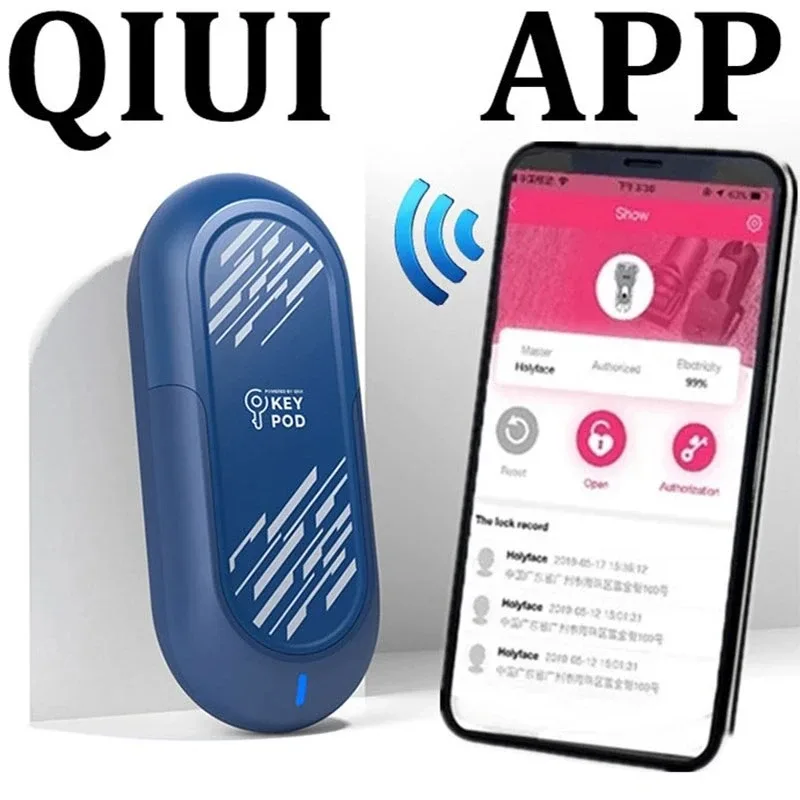
Qiui KeyPod: The Smart Key Safe for Chastity Keys – Complete Guide 2026
Are you a keyholder and looking for a reliable solution to manage your partners' keys remotely? The Qiui KeyPod is designed to meet this need with advanced technology, enhanced security, and unparalleled ease of use. In this guide, we explore its features, how it works, and how it can revolutionize your keyholding experience.
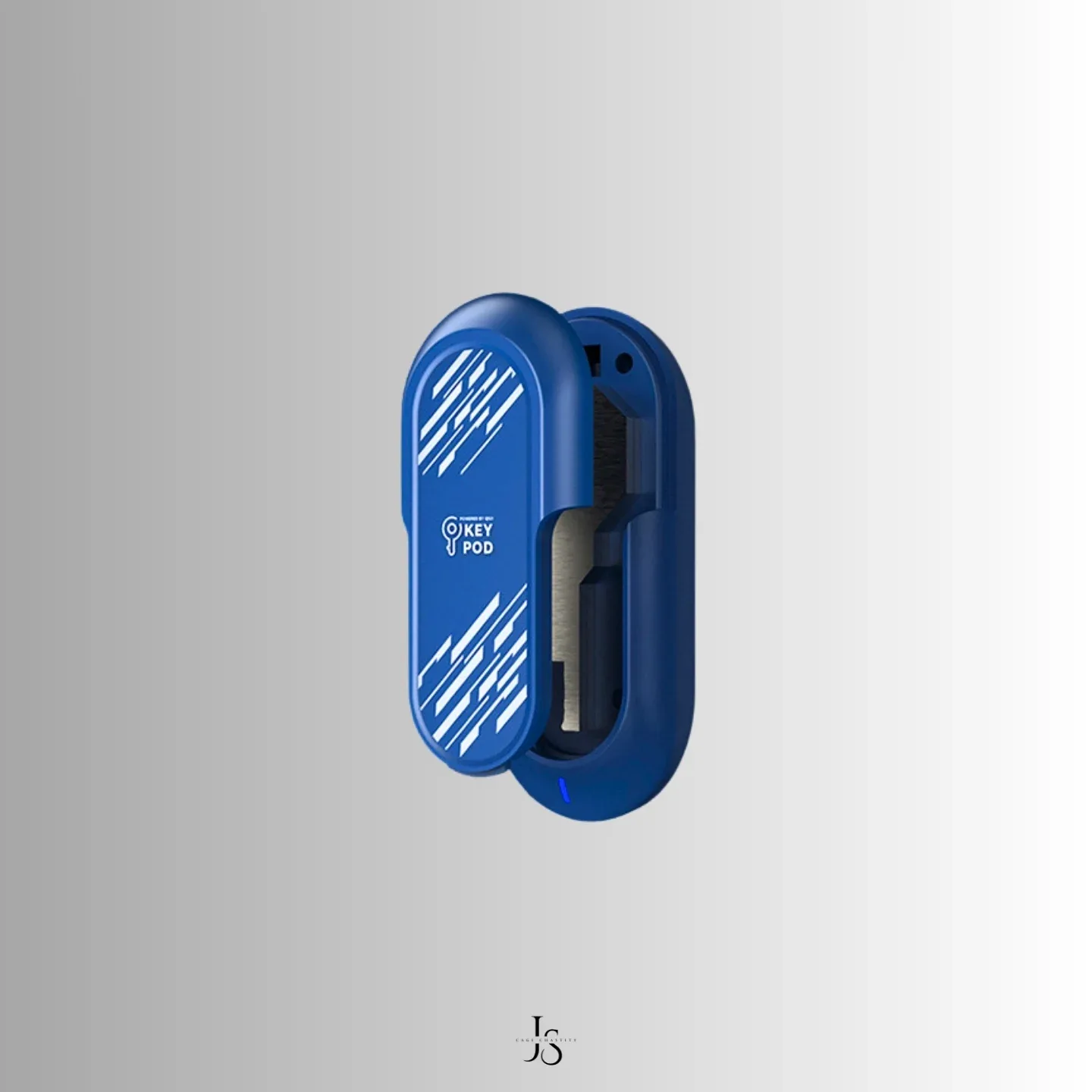
Introduction: Why is the Qiui KeyPod essential for keyholders?
The Qiui KeyPod is more than just a key box. It is a smart locking system that allows keyholders to control access to chastity keys via a mobile application. Whether you are a remote partner or a professional keyholder, this accessory offers optimal security, customizable locking options, and complete access tracking.
Unlike traditional key boxes, the KeyPod eliminates the risks of key loss or theft, while allowing total control through features such as unique codes, geolocation, and countdown timers.
KeyPod technical specifications (standard and Pro models)
Qiui offers two versions of the KeyPod: the standard model and the KeyPod Pro. Here are their main differences:
- KeyPod standard:
- Capacity: up to 2 standard keys (depending on thickness).
- Control: via the Qiui application with Bluetooth connection.
- Battery life: rechargeable battery (6 months of use).
- Features: manual or programmed locking/unlocking.
- KeyPod Pro:
- Capacity: larger compartment (16.5 mm x 23 mm x 83 mm), ideal for chastity or bondage keys.
- Connectivity: global cellular network (no Bluetooth required for some functions).
- Advanced security: LED display with unique code to be captured in photo for validation.
- Automation: automatic unlocking after a predefined delay.
- Geolocation: access history with precise physical address (via the application).
The KeyPod Pro is particularly suitable for long-distance keyholders or situations where maximum security is required. For more details, see the official product page.
![KeyPod by QIUI [Smart lockbox for key management]](/uploads/ai-qiui-keypod-le-coffre-fort-intelligent-pour-cles-d-1775332181580/1775332186179-547361282.webp)
How does the KeyPod work with the Qiui application?
The Qiui application, available on the Apple Store and Google Play, is at the heart of the system. Here's how it interacts with the KeyPod:
- Initial connection: Pair the KeyPod with the application via Bluetooth (standard model) or cellular network (KeyPod Pro). A flashing green light indicates that the box is in pairing mode.
- Configuration: Define a PIN code or password to secure access. You can also enable geolocation to track the movement of the KeyPod.
- Remote control: Lock or unlock the KeyPod at any time, even from thousands of kilometers away. The KeyPod Pro also allows you to program an automatic unlock after a certain time.
- Advanced validation (KeyPod Pro): To prevent fraud, the application generates a unique code displayed on the KeyPod's LED screen. The wearer must take a live photo of the code to validate the unlock.
- History and traceability: All accesses are recorded in the application, with the date, time, and precise location. This feature is particularly useful for professional keyholders.
To solve common problems (such as a Bluetooth connection that does not work), consult this Reddit discussion thread where users share their experiences.
Security and advanced features: unique code, geolocation, and history
Security is at the heart of the Qiui KeyPod design. Here are its main protection measures:
- Dynamic unique code: The KeyPod Pro displays a code that changes with each unlock request. Only a real-time photo allows you to validate access, preventing the use of stolen images.
- Real-time geolocation: The Qiui application records the exact physical address of the KeyPod at each access. This feature is non-disableable, offering complete transparency.
- Access history: All events (locking, unlocking, attempts) are saved in the cloud, with timestamp and location.
- Long-lasting battery: The KeyPod standard offers up to 6 months of battery life, while the Pro is designed for extended use with charging via a Type-C port.
These features make it one of the most secure key safes on the market, ideal for demanding keyholders. For more information on security tests, see the dedicated page on Qiui.eu.
KeyPod standard vs. KeyPod Pro: which one to choose?
The choice between the two models depends on your needs in terms of security, connectivity, and capacity. Here is a comparative table:
| Feature | KeyPod Standard | KeyPod Pro |
|---|---|---|
| Connectivity | Bluetooth | Cellular network + Bluetooth |
| Unique code | No | Yes (photo validation) |
| Geolocation | Yes (approximate) | Yes (precise address) |
| Automatic unlocking | No | Yes (countdown timer) |
| Capacity | 2 standard keys | Large compartment (chastity/bondage keys) |
If you need a simple and affordable solution, the KeyPod standard is sufficient. However, for maximum security and advanced remote control, the KeyPod Pro is unmatched.
Steps to set up and use the KeyPod for the first time
Follow these step-by-step instructions to get started with your KeyPod:
- Charge the KeyPod: Plug it in via the Type-C port (6 months of normal use).
- Download the Qiui app from the App Store or Google Play.
- Pair the KeyPod:
- Turn on the KeyPod (side button).
- Open the app and select 'Add a new KeyPod'.
- Wait for the green light to flash and validate the pairing.
- Configure security:
- Define a PIN code or password.
- Enable geolocation (recommended for tracking).
- For the KeyPod Pro, test the unique code feature.
- Insert your keys: Open the box, place your keys, and close it. Locking is automatic.
- Test the unlocking:
- Via the application: select 'Unlock'.
- For the Pro: capture the LED code with the phone's camera.
If you encounter problems (such as a orange light indicating an error), consult the Qiui support center.
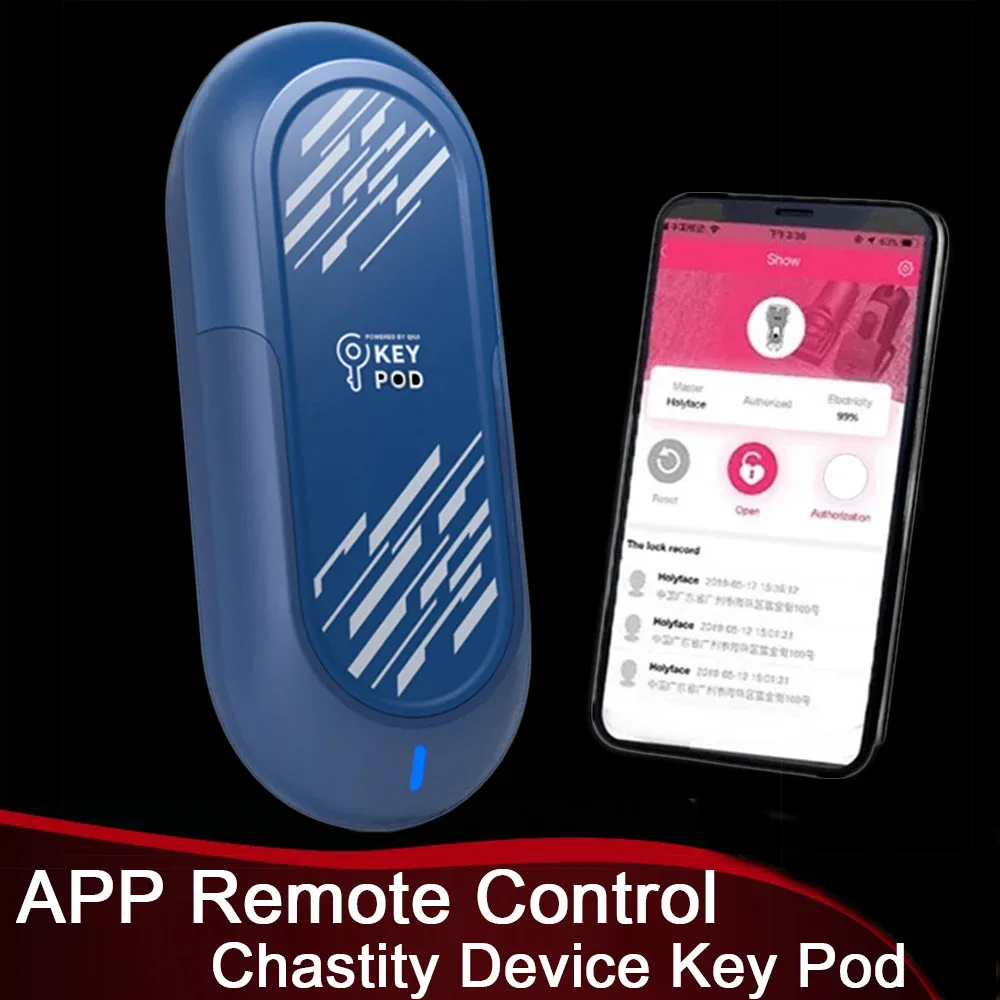
Common problems and solutions
Here are the most frequent errors and their solutions:
- The KeyPod does not connect via Bluetooth:
- Make sure your phone's Bluetooth is enabled.
- Reset the KeyPod (hold the side button for 10 seconds).
- Update the Qiui app.
- The battery drains too quickly:
- Avoid frequent unlocks (the Pro has better battery life).
- Recharge it as soon as the light turns orange.
- The unique code does not appear (KeyPod Pro):
- Make sure the KeyPod is powered on.
- Restart the application and the box.
For advanced solutions, see this Reddit discussion where users share their tips.
User reviews and feedback
Overall, the reviews on the Qiui KeyPod are positive, with users highlighting its reliability, security, and discreet design. Here are some key points:
"The KeyPod Pro has changed the way I manage keys remotely. The precise geolocation and unique code give me complete confidence."
— Reddit user, 2023
"The standard model is perfect for occasional use. Simple and effective, without the superfluous features of the Pro."
— Review on Oxy-Shop
However, some users note that the price (around €100-150 for the Pro) may be a deterrent, but most believe that the security and peace of mind are worth the investment.

Alternatives to the KeyPod: what other smart key boxes exist?
If the Qiui KeyPod does not meet your needs, here are some alternatives:
- KeyLock by CellmateCage: Key box with app control, but without advanced geolocation.
- LockBox by LockState: Locking system with PIN code, ideal for beginners.
- Mechanical key boxes: Less expensive, but without connected features (e.g., combination boxes).
However, the Qiui KeyPod remains the most complete solution for demanding keyholders, thanks to its unique features such as photo validation and precise geolocation.
Conclusion: Is the KeyPod right for you?
The Qiui KeyPod is a revolution for chastity keyholders, offering the perfect balance of security, control, and simplicity. Whether you opt for the standard model (for occasional use) or the Pro (for maximum security), this accessory will allow you to manage your keys with unparalleled peace of mind.
If you are looking for a reliable, connected, and scalable solution, the KeyPod is probably the best choice on the market in 2026. To buy it, visit official sites such as Qiui Store or specialized retailers such as CellmateCage.
Always remember to play safely!
Be Geek, Be Kinky!

You may also like

Disability and Sexuality: Breaking Down Taboos for Guaranteed Intimate Fulfillment
Summer infidelity: should you confess everything or protect your relationship by remaining silent?
Is my partner really my soulmate? What science reveals about relationship doubts.
Uniform Fetish: What Your Attraction to Firefighters or Police Officers Reveals About Your Intimate Life
Couple's vacations: when the quest for the perfect photo puts stress in the spotlight.